Clay source
Sync enriched lead and contact data from Clay tables into Knock to identify users and trigger workflows from CRM enrichment events.
The Clay source enables you to send enriched lead and contact data from your Clay tables directly into Knock. You configure this by adding an HTTP API enrichment column to a Clay table that POSTs each row's enriched data to your Knock source URL. Clay runs the column as part of your enrichment workflow, so Knock receives updated contact data as soon as a row finishes processing.
This integration is useful for sales and marketing notifications: identifying enriched leads in Knock as soon as Clay finishes researching them, triggering Slack or email alerts to your sales team when a high-fit account lands, and keeping user profile data in sync with the enrichment work happening in your Clay tables.
Because the HTTP API column lets you define an arbitrary JSON body and custom headers, you can map any Clay column to any field in your Knock action mappings as your needs evolve.
How verification works
#Clay does not sign outbound HTTP API requests with a built-in signature scheme. Instead, Knock verifies a shared secret that you send as a Bearer token in the Authorization header from your HTTP API column. Knock checks that the value of the Authorization header matches Bearer <your-signing-secret> before processing the event.
This means the signing secret you configure in Knock must match the token you send in the Authorization header from Clay. Treat this value like an API key: store it somewhere safe and rotate it if it leaks.
Prerequisites
#- A Knock account with at least one environment configured.
- A Clay workspace with a table you want to send enriched data from.
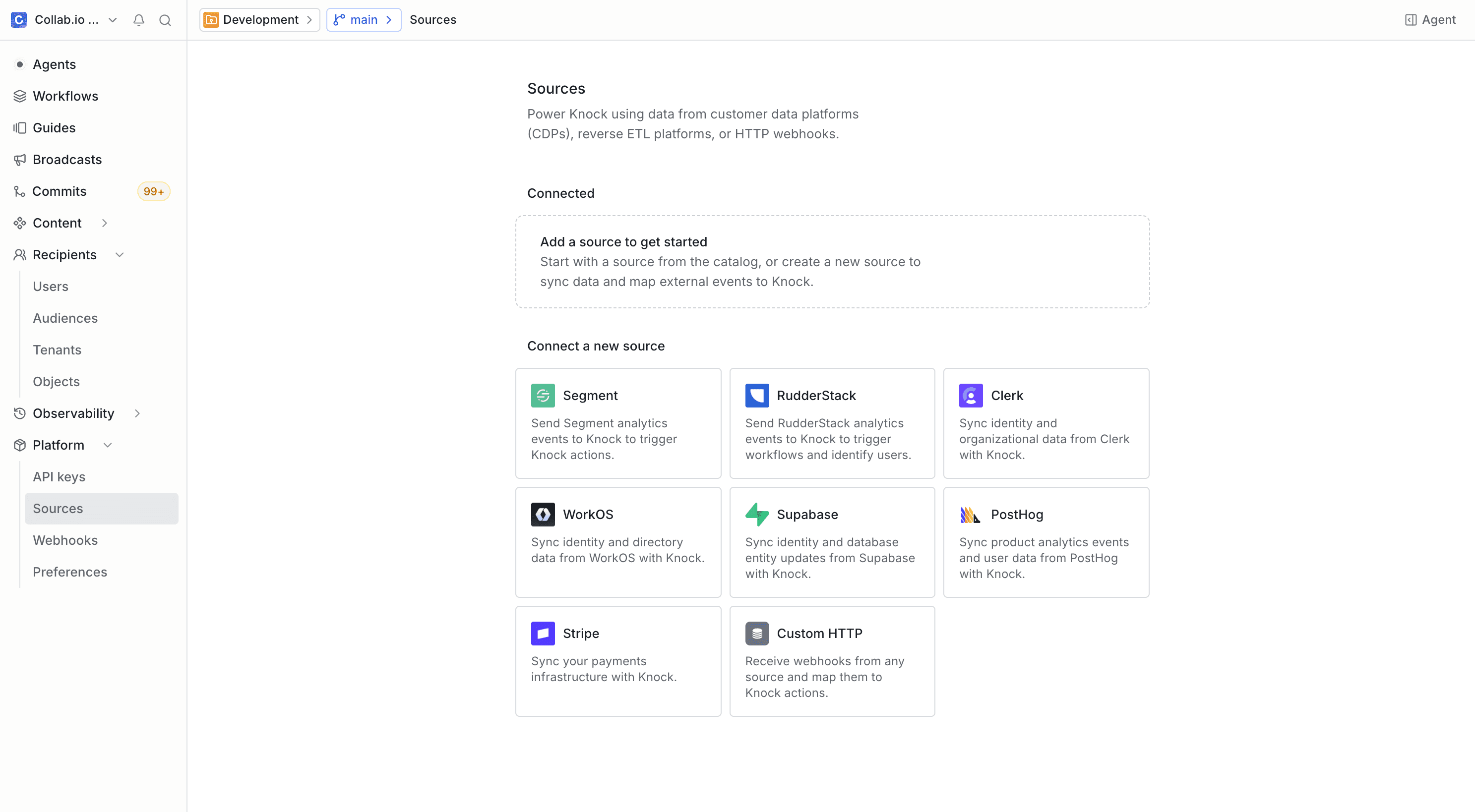
Set up the source in Knock
#


Add an HTTP API enrichment column in Clay
#Add an HTTP API enrichment column to your Clay table so each enriched row POSTs to your Knock source URL with a Bearer token in the Authorization header. See Clay's HTTP API integration overview for column configuration details.


Once configured, every time the HTTP API enrichment column runs on a row, Clay POSTs that row's data to your Knock source URL. Knock verifies the Authorization header against your signing secret, extracts the event name from body.event, and executes the actions you've mapped for that event.
Pre-configured events
#Your HTTP API enrichment column can send any event name in body.event, so the event types you POST to Knock are up to you. The default action mapping below identifies enriched leads as Knock users; add additional mappings for any other event names you decide to send.
The default identify mapping uses body.email as the Knock user ID and maps body.full_name, body.email, body.phone_number, and body.avatar_url to the corresponding user fields. The full row is sent as properties, so any additional columns you include in the request body (job title, company domain, ICP score, and so on) are stored on the Knock user and available in your templates.
Other common events to add
#Clay tables run a wide range of enrichment and research workflows. Common events worth adding as custom mappings:
For each new event you send from Clay, add a corresponding mapping in the Knock source environment so the event is routed to the right action.
Customization
#You can modify the default action mapping or add new ones for any event you POST from Clay. For details on how field mapping works with dot-notation paths, see the custom source page.
Because the HTTP API enrichment column lets you set arbitrary headers on each POST, you can also reference custom headers in your mappings using dot-notation — for example, headers.x-clay-table-id if you want to differentiate between events from different Clay tables when one Knock environment ingests from many tables.
If a single event maps to multiple actions, Knock executes those actions in a fixed order. See execution order for multiple mappings.
If you need to map Clay events to actions beyond identifying users, see the full list of available actions in the sources overview.
Event idempotency
#Clay does not include a built-in delivery ID in HTTP API enrichment column requests, so Knock does not configure idempotency for the Clay source by default. If you want to deduplicate events — for example, when the enrichment column is re-run on the same row — include a stable identifier in your request body or headers (such as the Clay row ID or a hash of the row's content) and configure that field as the idempotency key from the Settings tab in your source environment configuration.
For details on how Knock handles idempotent events, key validation rules, and the default 24-hour idempotency window, see the source event idempotency section of the sources overview.